DigiNote combines the functions of calculator and notes applications.
It allows you to use mathematical expressions, variables, calculations in your notes.
DigiNote provides convenient way to enter and manipulate calculations embedded in text.
DigiNote on iPhone/iPod Touch screenshots
Main screen of DigiNote on iPhone or iPod with default settings:
 |
or |
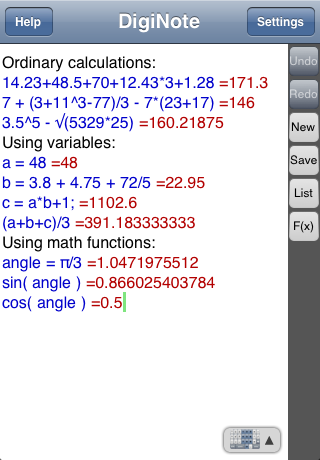 |
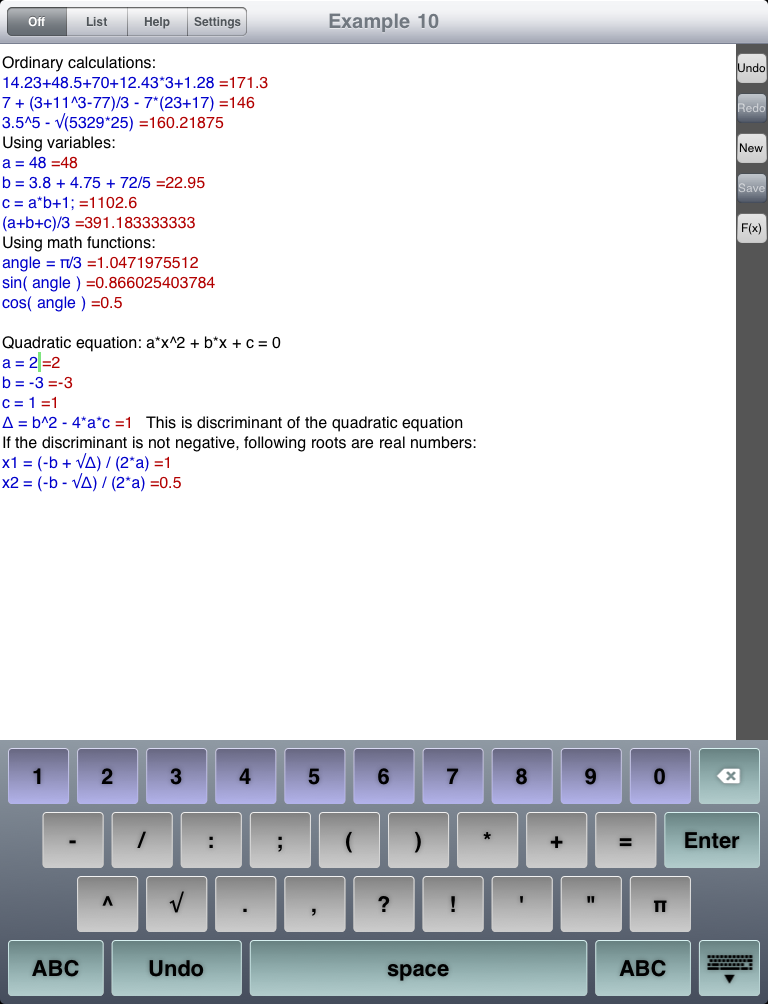
Recognized math expressions DigiNote colors with blue. Results of expressions, added authomatically, colored with red. Other text stays black.
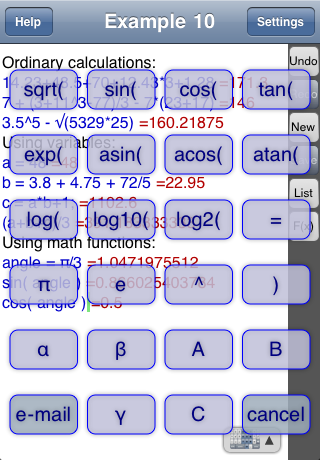
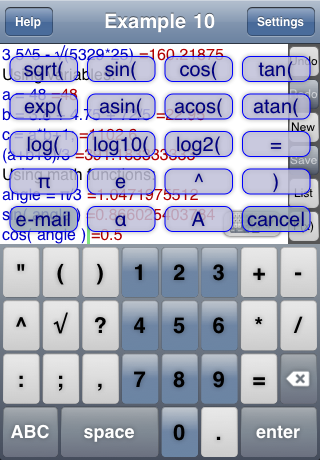
F(x) button opens pop-up menu with some symbols and functions for quick access:
 |
or |
 |
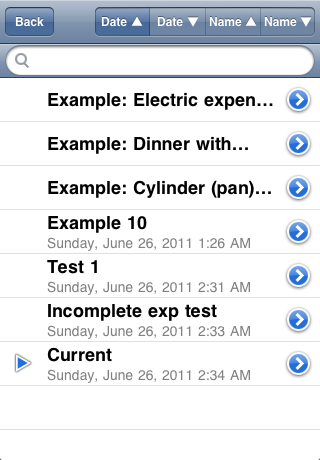
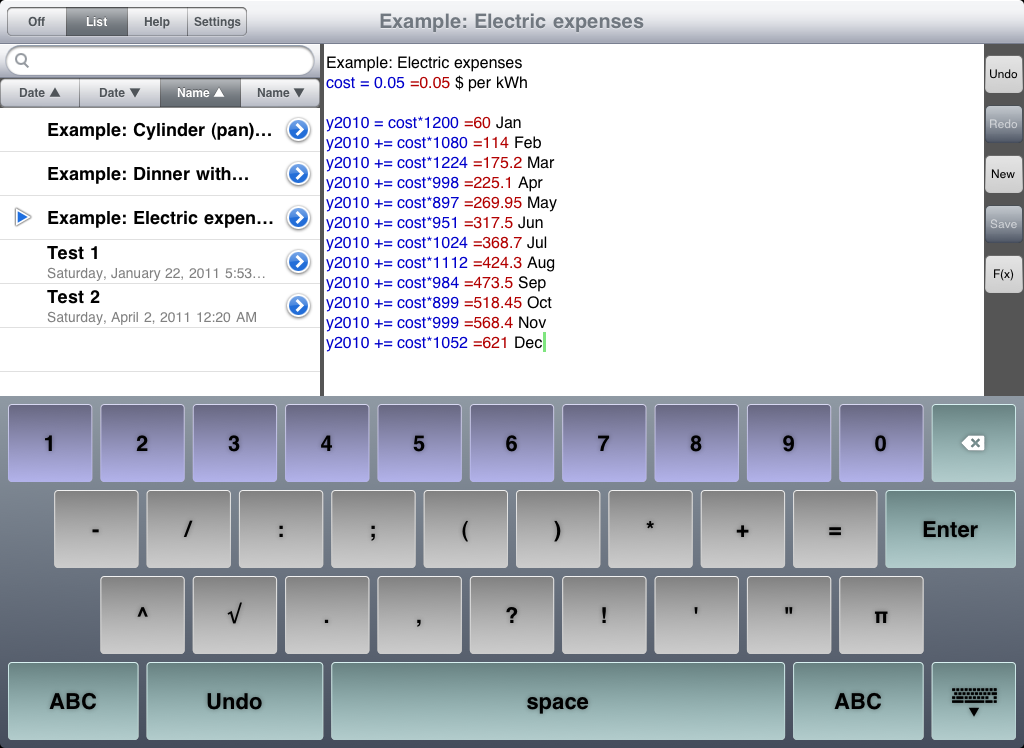
List button on the side of the text view lead to the history list, like this:
On this screen you can open previously saved note.
Also you can use context search to find needed notes.
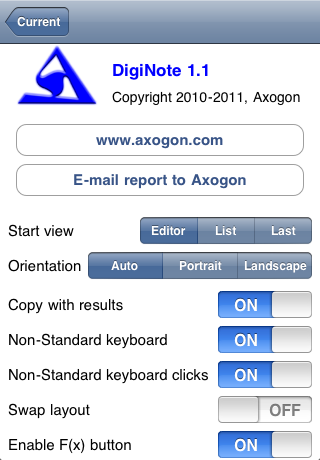
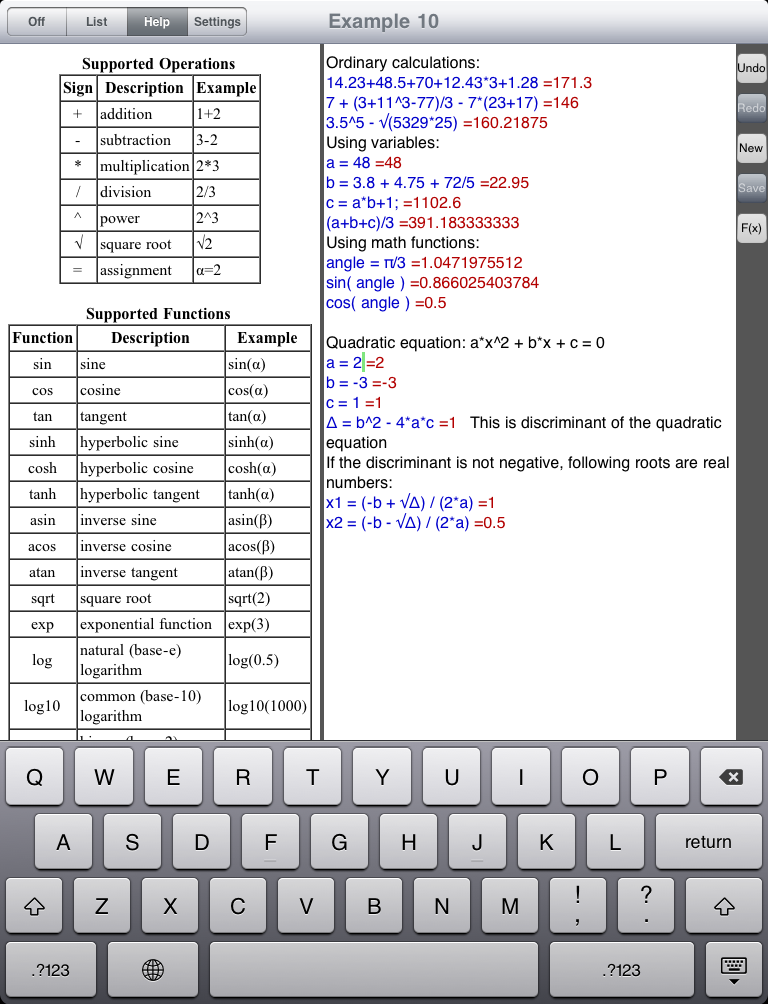
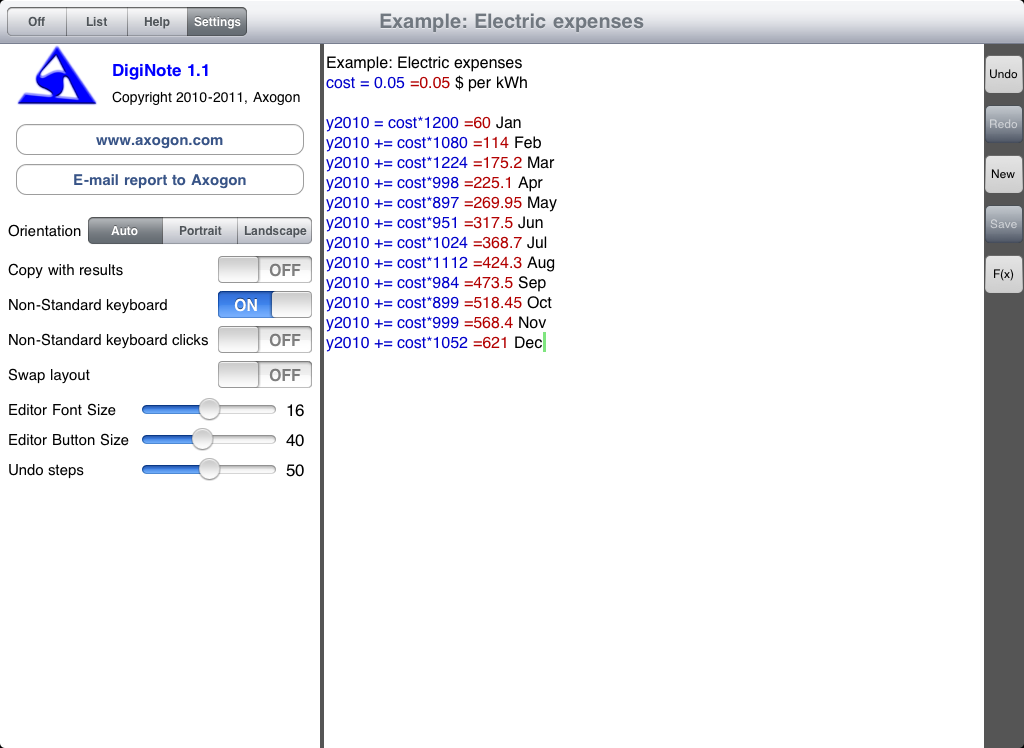
There are Settings and Help screens:
DigiNote on iPad screenshots
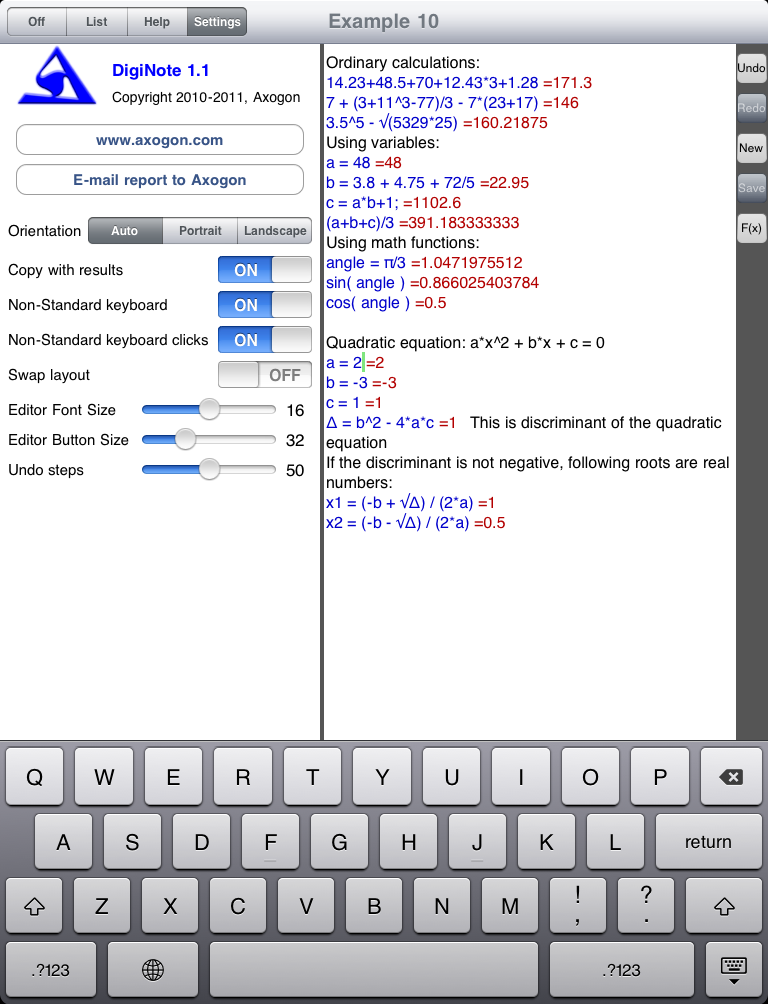
On iPad devices DigiNote interface designed as a single screen.
When auxiliary view are off (see upper left switch), it looks almost the same as on iPhone:
However DigiNote can work with screen, split on two views: List + text, Help + text or Settings + text.
As well DigiNote works in all interface orientation modes...
Requirements
iOS 3.1.3 or later
Support
Please let us know if you find anything that can be improved even further.
Other iOS applications by Axogon
iConjugaison
Note: this page is under construction...


 DigiNote — special calculator/notebook application for iOS